
App for Windows
Premium Web is available for computers running the Windows operating system.
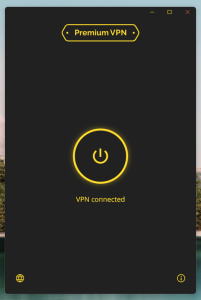
Software Look & Feel
✅ Verified: No Viruses Detected
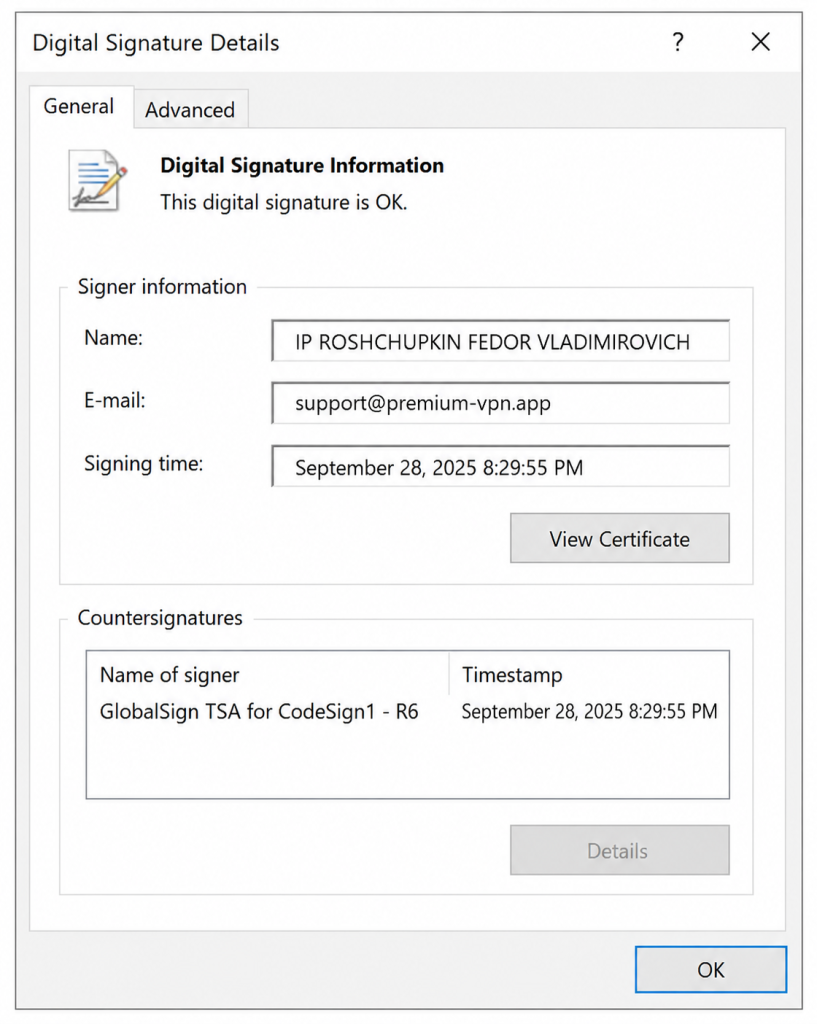
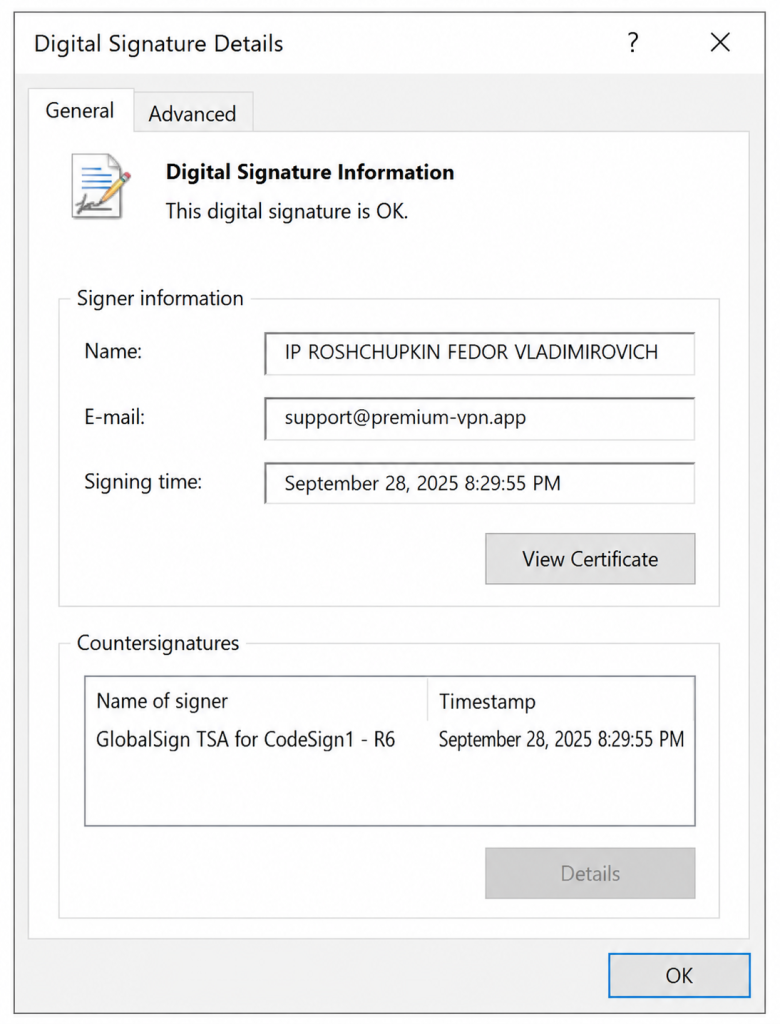
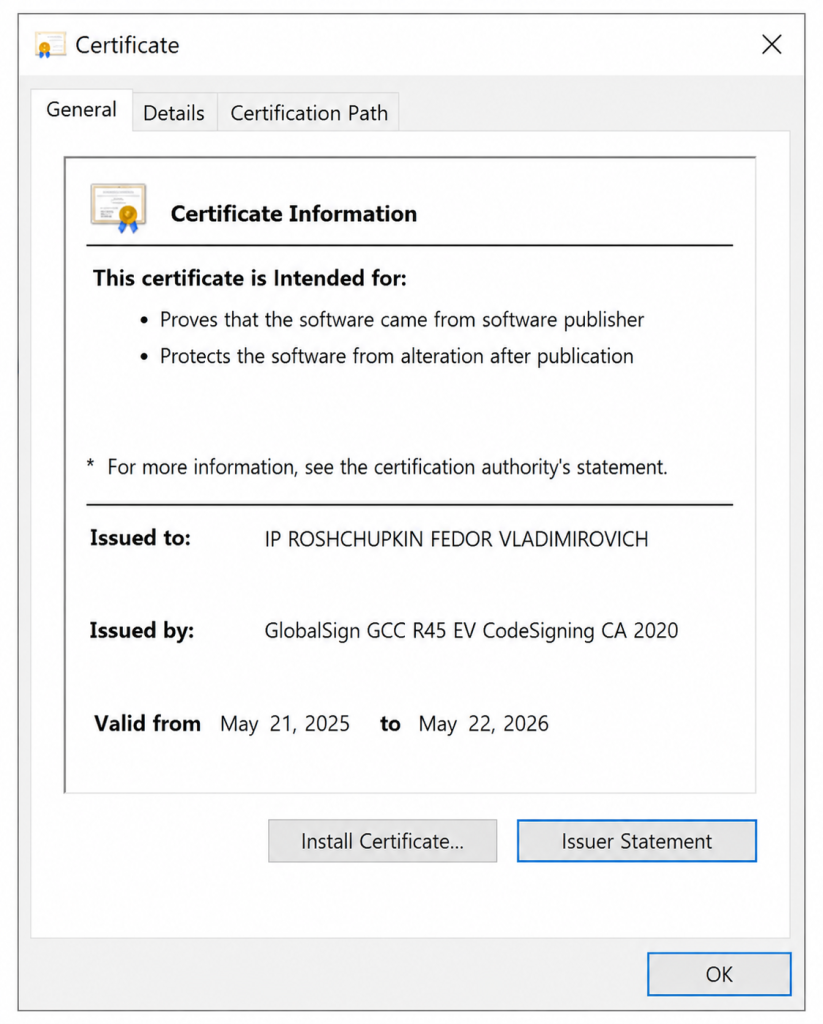
The application is digitally signed and certified by GlobalSign GCC R45 EV CodeSigning CA 2020.
Learn More
Mirror Download, Version 1.8.0 (if the file cannot be downloaded from Google Storage)
Latest application update: June 8, 2026 — Version 1.8.0
Previous versions of the app
Download Version 1.7.12 (May 25, 2026)
Download Version 1.7.8 (May 8, 2026)
Download Version 1.5.6 (March 21, 2026)
Download Version 1.5.5 (February 3, 2026)
Download Version 1.4.7 (January 15, 2026)
Download Version 1.4.4 (December 20, 2025)
Download Version 1.3.15 (November 13, 2025)
Download Version 1.3.4 (October 16, 2025)
Download Version 1.3.1 (September 29, 2025)
Download Version 1.2.14 (August 24, 2025)
Download Version 1.2.13 (June 22, 2025)
Download Version 1.2.7 (May 24, 2025)
Download Version 1.2.3 (April 19, 2025)
Download Version 1.2.2 (April 6, 2025)
Download Version 1.1.1 (December 17, 2024)
Download Version 1.1.0 (December 7, 2024)
Not Working?
Error Related to VCRUNTIME140.dll
(and also MSVCP140_1.dll, VCRUNTIME140_1.dll)
Download and install the library from the official Microsoft website:
Download:
https://aka.ms/vs/17/release/vc_redist.x64.exe
You can also find missing DLL files by name here:
Still not working? Use our alternative application: Happ
Click the “Activate in Happ” button in the email containing your key.
The Premium Web application is digitally signed and verified with a GlobalSign GCC R45 EV CodeSigning CA 2020 certificate.
This means that the software developer’s identity has been verified by a notary and confirmed by a validation authority. The company’s location is also verified before the certificate is issued.