

Fast & Secure VPN
Enjoy unrivaled security and speed with the best VPN service.
No configuration needed — just install and connect.
Compatible with Android, Apple, Windows, macOS and Android TV.
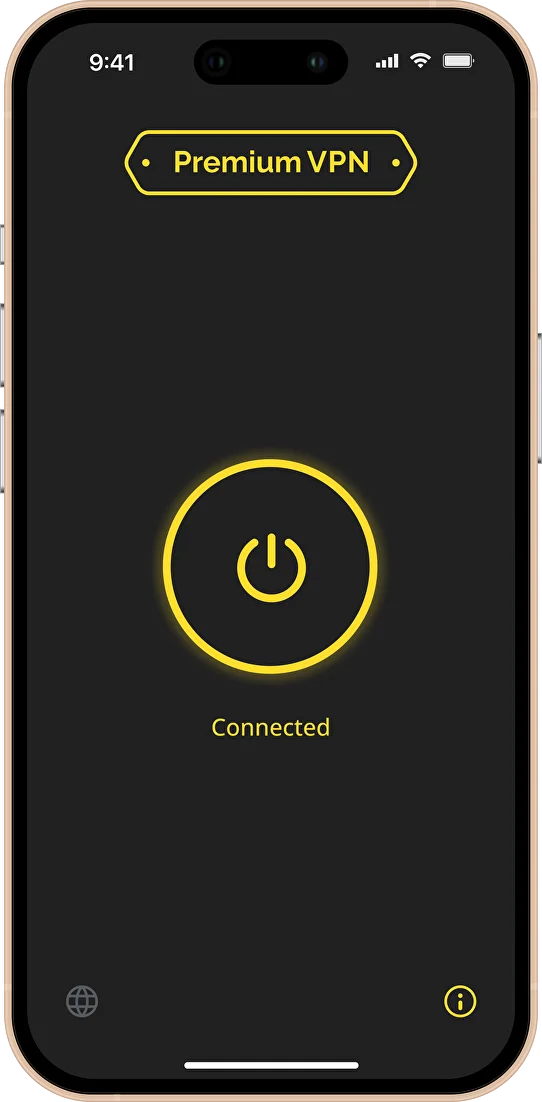
fast and secure service
Why Choose Premium VPN
One-click connection
No advertising
One key for all your devices
Really fast connection
Confidentiality Guarantee
We don’t store your browsing history or activity.
We don’t sell your data.
All connections are encrypted.
Premium support
We’ll help you quickly and politely if you encounter any difficulties. Contact us at support@premium-vpn.app and on Telegram @official_premium_vpn_bot
one step ahead
Technological advantage
Exceptional connection quality is based on our technological solution: our own intelligent robot checks the quality of your connection online and automatically switches you to the fastest server.
This way, we provide a fast and secure connection under the best conditions at all times.
If a server suddenly freezes or its IP address becomes unavailable, we will automatically switch you to another one so that you won’t even notice.
Get a trial key for 3 days
Enter your email to receive a test key
Please make sure you are entering your email address correctly. Double-check your email address before sending.
Download to PC


download app

Download to other devices





We will return your money if you are not satisfied with the quality.
If less than 5 days have passed since the payment, we will refund the full amount.
If 5 days or more, we will return proportionally to the remaining period.
To return, please write to support@premium-vpn.app
Get the key
Choose a plan that suits your needs with a monthly subscription.
Your access key will be sent to your email after payment.
Try it for free
• no subscriptions
to personally verify the quality of service
mini
for those who occasionally scroll through social media
standard
a subscription you can share with your loved ones
Pro
for those who regularly watch movies, download and play
IMPORTANT!
Please make sure you entered your email address correctly when paying.
All tariff options, as well as one-time payment: see Tariffs
Any questions left?
I didn't receive my key. What should I do?
Check your spam and mailing list folders (click the “not spam” button in such emails).
Try searching your email for the phrase “key@” (without quotation marks). Make sure your inbox isn’t full.
If you still can’t find the key, please contact us at support@premium-vpn.app
How to activate the key?
Android and Windows
Click the “Activate Key” button in the email; the key will be forwarded to the installed app.
You can also copy the key from the email and paste it manually into the app, or scan the QR code in the email.
iOS
Please read ”  How to connect ” here .
It's slow/not working/loads websites poorly
Choose a different server that works well for you.
You can find the server selection option in the Premium VPN app (bottom left), or in the server list for other apps.
Sometimes you need to try 3-5 servers—connection quality depends on your provider, network node, and TSPU (the servers themselves are fine, we monitor them). If the issue persists, contact support using the contact information below.
You can also check here .
What devices does it work on?
On smartphones and tablets running Android and iOS, as well as on Windows and MacOS.
It also works on TVs and set-top boxes running Android TV.
How do I cancel my subscription?
You can unsubscribe at any time here
Not enough traffic
You can get more traffic by upgrading your subscription on the ” Plans ” page.
Any unused balance from your old plan will be returned to your card.