

 How to connect Happ:
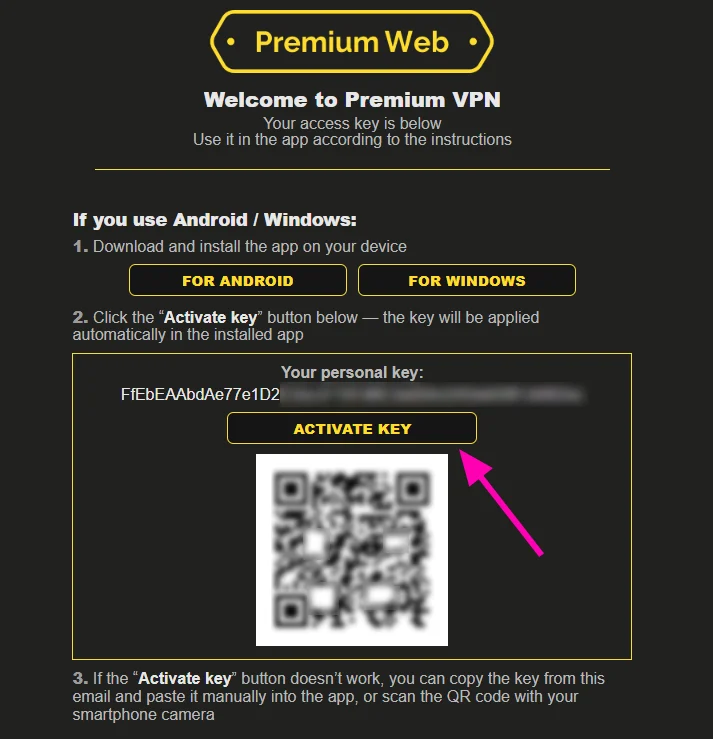
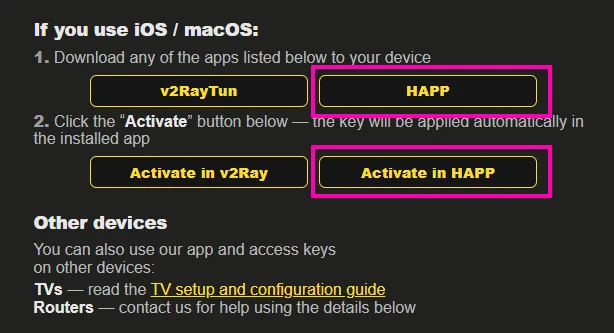
1. Open the email with your access key that you received, scroll down to the «If you use iOS / macOS» section.
2. Follow the two steps described there.
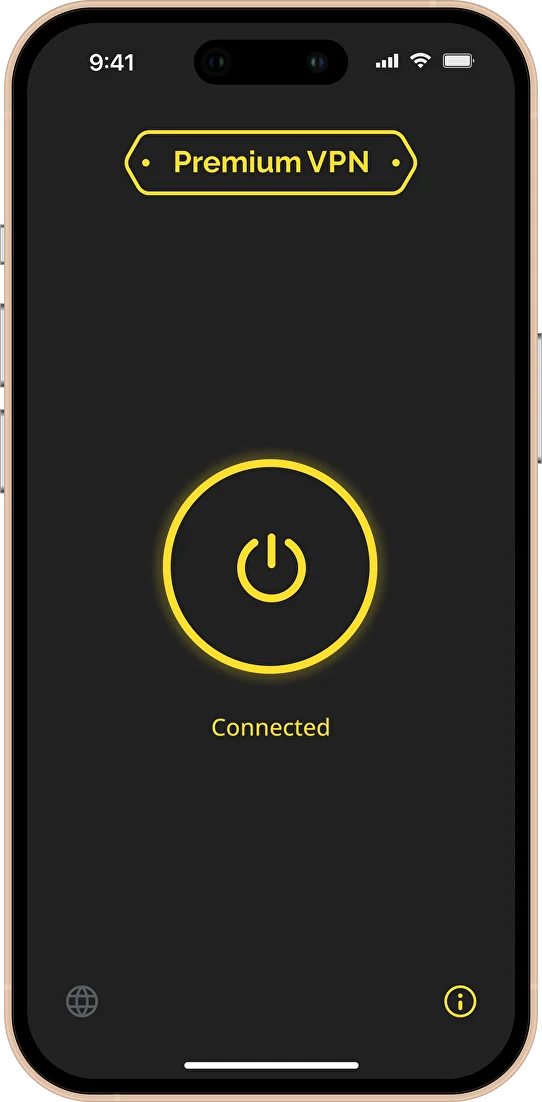
3. After that, a list of countries will appear in the app. Select a country, then tap the round power button. That’s it!
Do not scan the QR code from the email in the HAPP app — it won’t work. If you need to activate the key on another device (not the one where you received the email), forward the email to that device and tap «Activate in HAPP» there.
How to use Happ
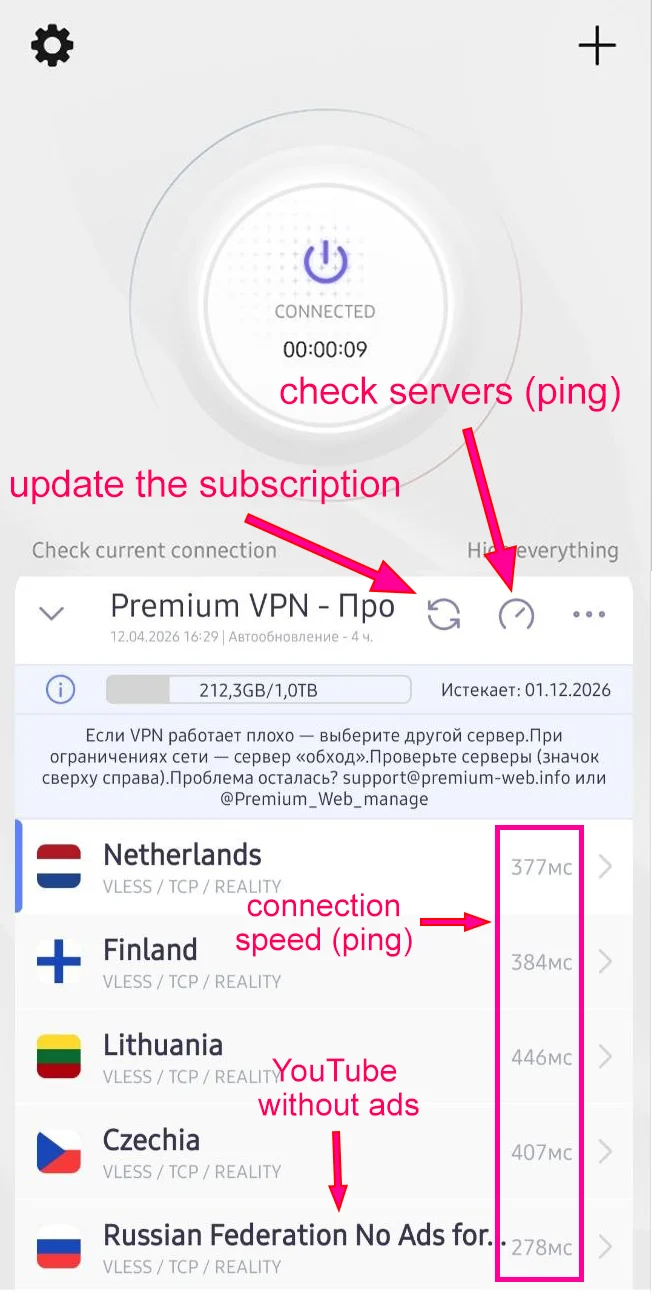
- Check servers — this button checks the server response speed (ping). This speed is displayed next to each server. Try to connect to the server with the lowest value. The lower the value, the faster everything will load. For example, if a video loads slowly or a game lags, tap the check servers button and connect to a faster server.
- Update subscription — the subscription updates automatically from time to time. But you may need to update it manually using the button, for example, when a subscription renewal has occurred or the servers have been updated.
- Where is YouTube without ads? To watch YouTube without ads, find the server “Russia No Ads for YouTube” and connect to it.