
App for Windows
Premium VPN is available for computers running the Windows operating system.
For optimal performance, we recommend using Windows 10 (64-bit) or later.
32-bit systems, Windows XP, and Windows 7 are not supported.
To use the application, you will need an access key.
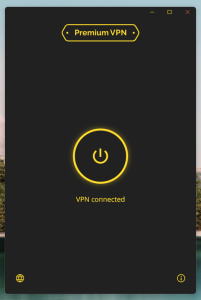
Software Look & Feel
✅ Verified: No Viruses Detected
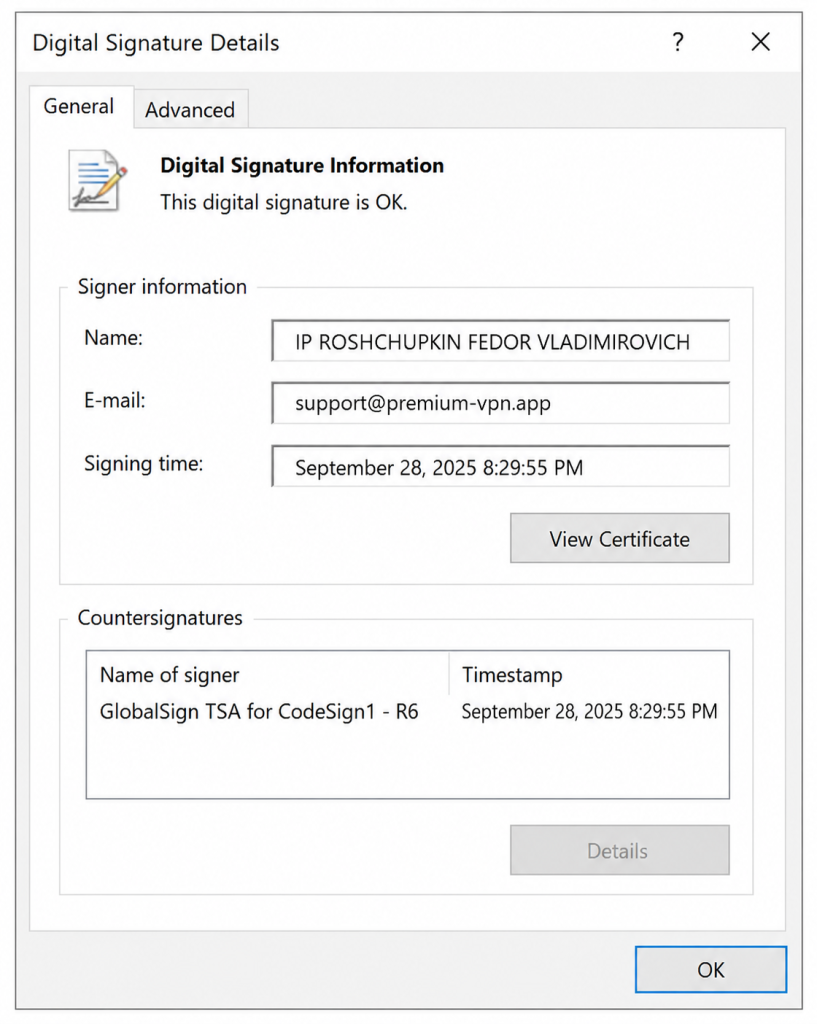
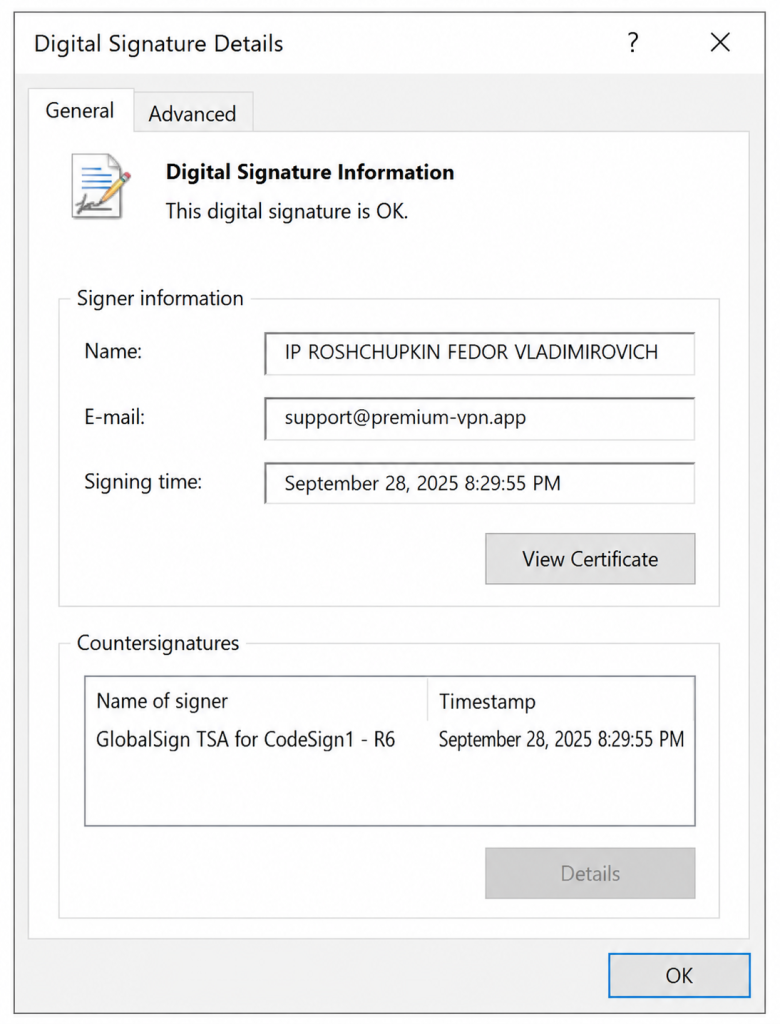
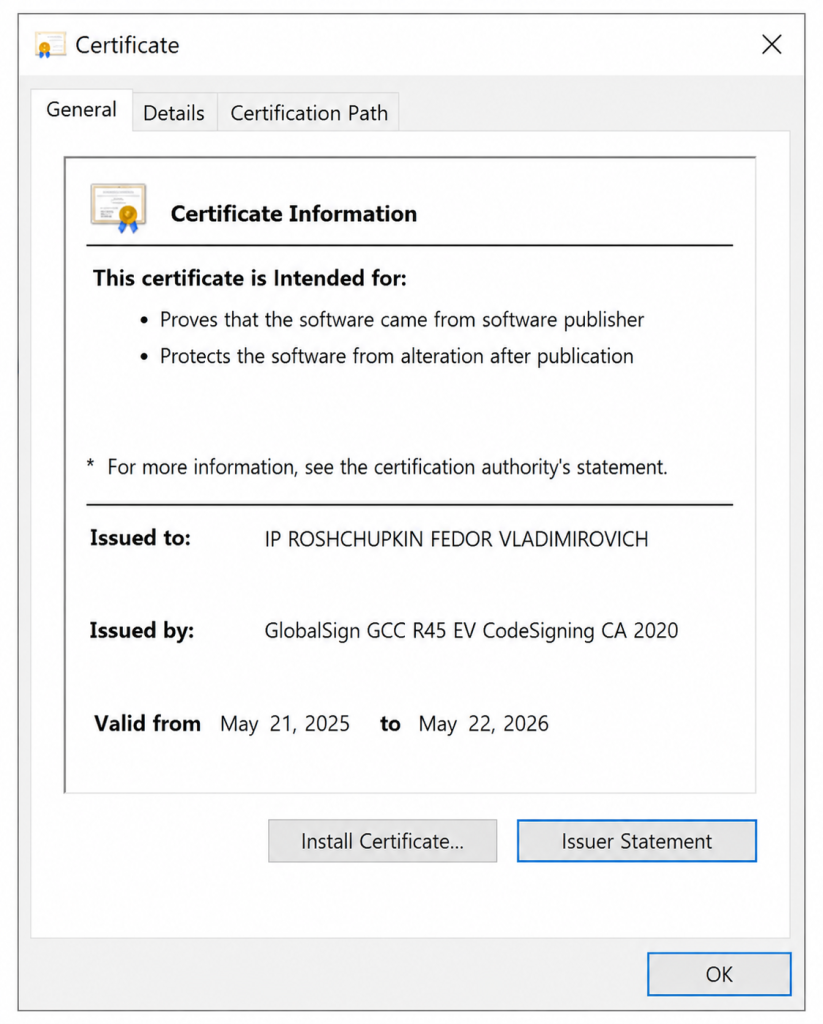
The application is digitally signed and certified by GlobalSign GCC R45 EV CodeSigning CA 2020.
Learn More
Latest application update: July 6, 2026 — Version 1.8.1
Not Working?

Error Related to VCRUNTIME140.dll
(and also MSVCP140_1.dll, VCRUNTIME140_1.dll)
Download and install the library from the official Microsoft website:
Download:
https://aka.ms/vs/17/release/vc_redist.x64.exe
You can also find missing DLL files by name here:
Still not working? Use our alternative application: Happ
Click the “Activate in Happ” button in the email containing your key.
The Premium Web application is digitally signed and verified with a GlobalSign GCC R45 EV CodeSigning CA 2020 certificate.
This means that the software developer’s identity has been verified by a notary and confirmed by a validation authority. The company’s location is also verified before the certificate is issued.